

Booking and rescheduling
Patients can book or move appointments through the same intake flow, with department rules respected.
- Visit type and location rules
- Immediate calendar updates on change
- Safe fallbacks when rules are unclear
Case study
A regional health network needed one intake layer that could handle inbound calls and messages, book or move appointments, route non-booking requests to the right department, and run outbound reminders with clean staff handoff. Built to sit beside the EHR and support both U.S. and Canada operating realities.
The network operated across three sites with centralized scheduling and multiple departments with different rules. The goal was to reduce phone tag, shorten time-to-book, and stop requests from bouncing between teams.
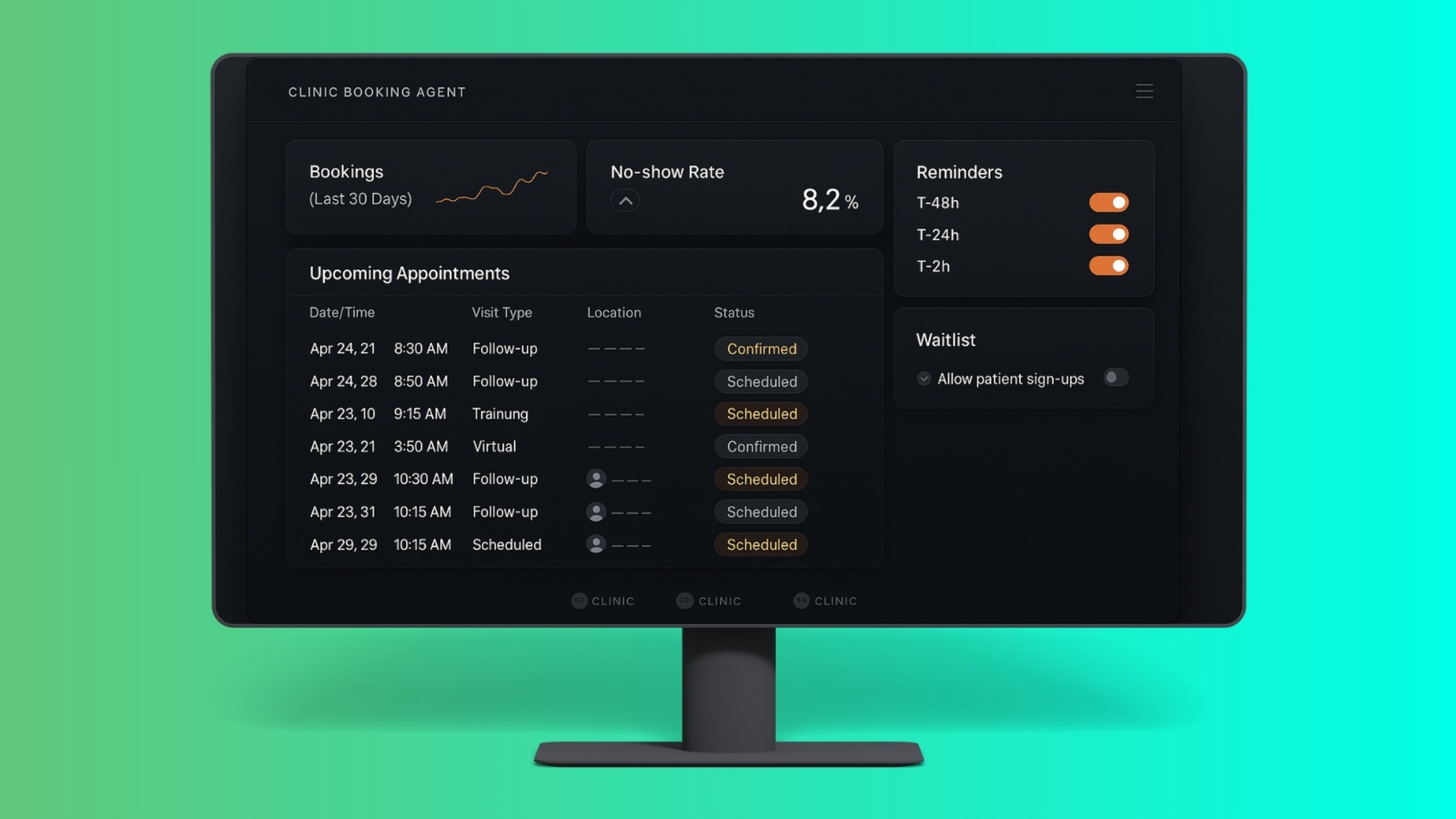
The chart lived in the EHR. The workload lived around it. Calls, transfers, and incomplete requests created delays and repeated work for front desk and scheduling teams.
A typical request loop looked like this.
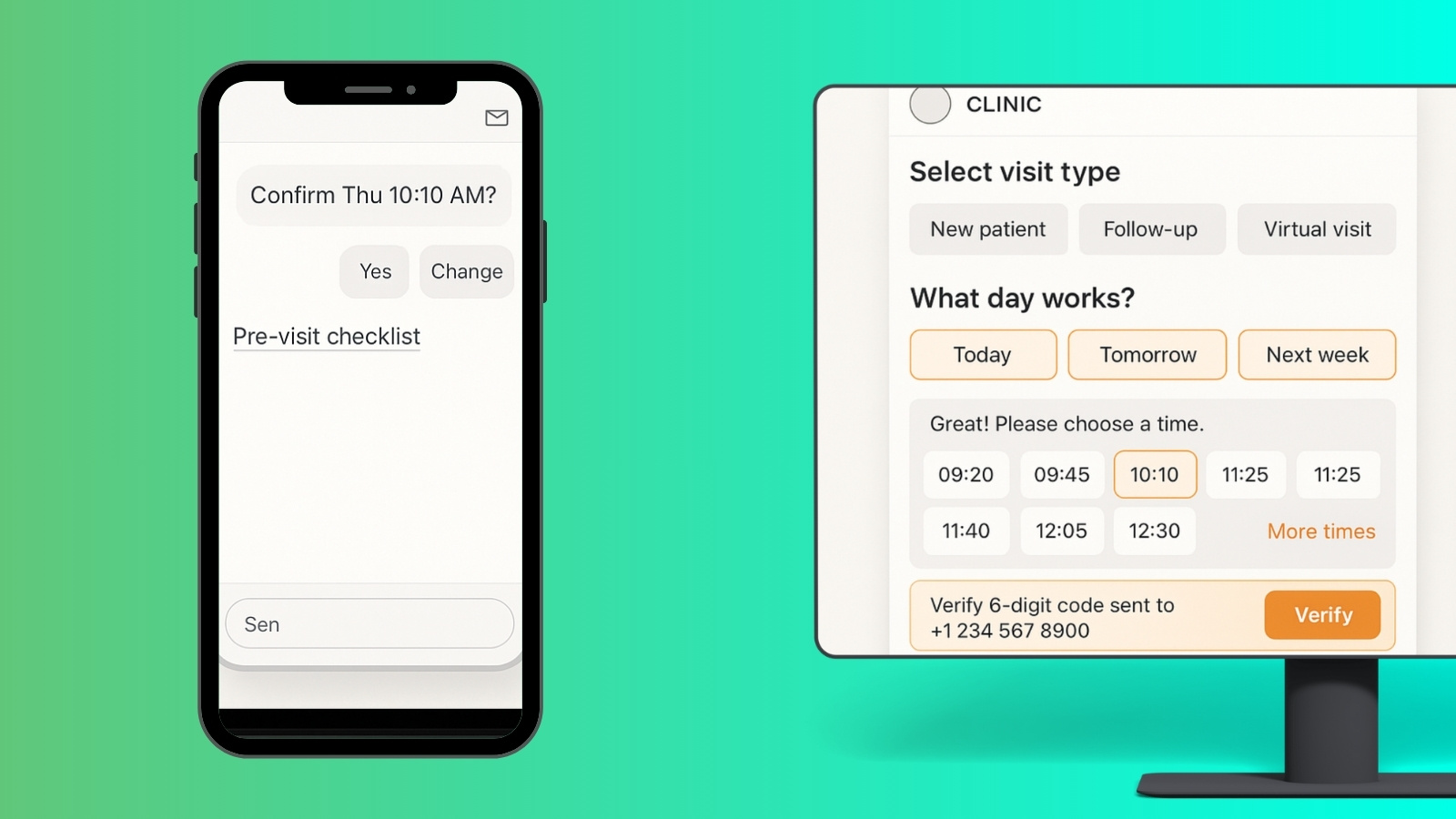
We built one intake layer across phone, SMS, and web that can book and reschedule, capture non-booking requests, route them into the right queue, and keep patients updated without forcing staff to restart the conversation.
Patients can book or move appointments through the same intake flow, with department rules respected.
Common hospital requests are captured with required details and routed to the right queue with a clean summary.
Outbound messages reduce no-shows and convert “I forgot” calls into confirmations or reschedules.
When a human needs to step in, staff see the captured context so the patient is not repeating the story.
Designed to avoid clinical advice and keep actions traceable across departments and channels.
Patient access runs in one rhythm across channels. Requests are captured consistently, routed clearly, and tracked to completion. The team spends less time repeating intake and more time closing work.
Where the EHR supports it, the system can connect through standard integration patterns. Where it does not, requests are still structured, tracked, and routed so work stays controlled.
Designed to sit beside EHR systems and support MyChart-style patient portal patterns where applicable.
Built around PHI minimization, access control patterns, and auditability expectations common in healthcare environments.
Phone, SMS, and web flows share the same rules and routing, so answers do not drift by channel.
Early improvements showed up as fewer repeated calls, clearer queues, and less wasted scheduling capacity. Results vary by department mix and integration depth.
This case study focuses on workflow outcomes observed during pilot and early adoption. Some details are simplified to protect client processes.
After the first rollout, the next work is refinement and resilience. More departments, deeper write-backs where supported, and better reporting on queue performance.
Healthcare environments vary by region, policies, and system access. The model here is designed to deliver value even when integration depth is limited.