FAQ — Custom Software, Mobile Apps, API Integrations | Envision 360
Frequently Asked Questions
Overview
What does Envision 360 do?
We design and build software that removes manual work and makes customer experiences smoother. That includes mobile apps, web applications, and the connections between the tools you already use. If you are starting from an idea, we help shape it into a simple, testable product. If you have something in progress, we stabilize it and keep moving.
Typical results: faster onboarding, fewer spreadsheets, fewer status emails, cleaner data across systems, and a release plan that your team can actually follow.
Clients are usually founders or operations leaders at small and midsize organizations. No technical background required — we explain options in plain language and recommend the shortest path to value.
How we work
How do projects run day to day?
Kickoff: we agree on goals, must-haves, timeline, budget range, and what must integrate with what. We write this down in one page you can share.
Design first: a clickable prototype shows screens and flows before code. Cheaper to change now than later.
Short releases: weekly or bi-weekly demos, no surprises. We ship a thin slice that works end-to-end.
One channel: one shared board for notes, tasks, and status, plus a weekly summary. No scattered chats.
Access & ownership: code and cloud accounts live under your organization. We document decisions and hand-off clearly.
Success check-ins: we track 2–3 simple metrics (e.g., time to complete a task, number of support emails, conversion on a key step) so you can see progress beyond “percent complete.”
Pricing & timelines
How much does it cost and how long does it take?
It depends on scope and integrations. These ranges help with planning:
Focused MVP: 6–12 weeks for a first release with core flows. Often a mobile app plus a small admin or an internal web tool that replaces a spreadsheet.
Integrated product: 3–6 months for multiple features and several third-party systems (payments, CRM, ERP, analytics, messaging).
Ways to price: a fixed scope when the plan is clear, or a monthly retainer when priorities will evolve. Both show weekly progress; both allow you to adjust.
Start with a single outcome: define one job the product must do well (e.g., “collect and approve field reports in under 3 minutes”).
Cut features that do not move the outcome: nice-to-haves go to a later release.
Expect integration costs: connecting to CRM/ERP/payment APIs takes time for auth, error handling, and testing.
Reserve 10–20% for launch & polish: real users surface small fixes that matter.
Own your accounts: keep billing and credentials under your organization from day one.
Quick check: if everything is “must-have,” the budget and timeline will inflate. Trim until one path to value remains.
MVP & scope
What should be in an MVP and what can wait?
Include: the smallest set of screens to prove value end-to-end, basic analytics, and a way to collect feedback. If sign-in is required, use a standard provider.
Wait on: elaborate roles/permissions, complex exports, rare edge cases, custom dashboards, and heavy styling. These often slow teams without changing the outcome.
Example MVP: a service app that lets a field tech log a visit (photos + notes), pushes a summary to a customer, and creates a record in your CRM. That flow alone can cut hours of admin each week.
Integrations
Can you connect our tools? What’s the catch?
Yes. We regularly connect CRMs, ERPs, support tools, payments, and messaging so data moves without copy-paste. Common targets: Salesforce, HubSpot, Microsoft 365/SharePoint, NetSuite, SAP, Oracle, ServiceNow, Zendesk, Zoho, Airtable, Monday.com, Twilio, Stripe, Adyen, and shipping via Shippo and major carriers.
Reality check: vendor APIs are not all equal. Rate limits, data shapes, and auth rules vary. We plan for retries and clear error messages.
No API? we can often build a safe connector or scheduled import/export to keep systems in sync.
Data contracts: we document which fields map where so future changes are painless.
Security & compliance
How do you handle security, privacy, and data residency?
We design with security from the start: encryption at rest and in transit, role-based access, least-privilege permissions, rate limits, and audit logs. Code is scanned and peer-reviewed. Secrets never live in code or chat.
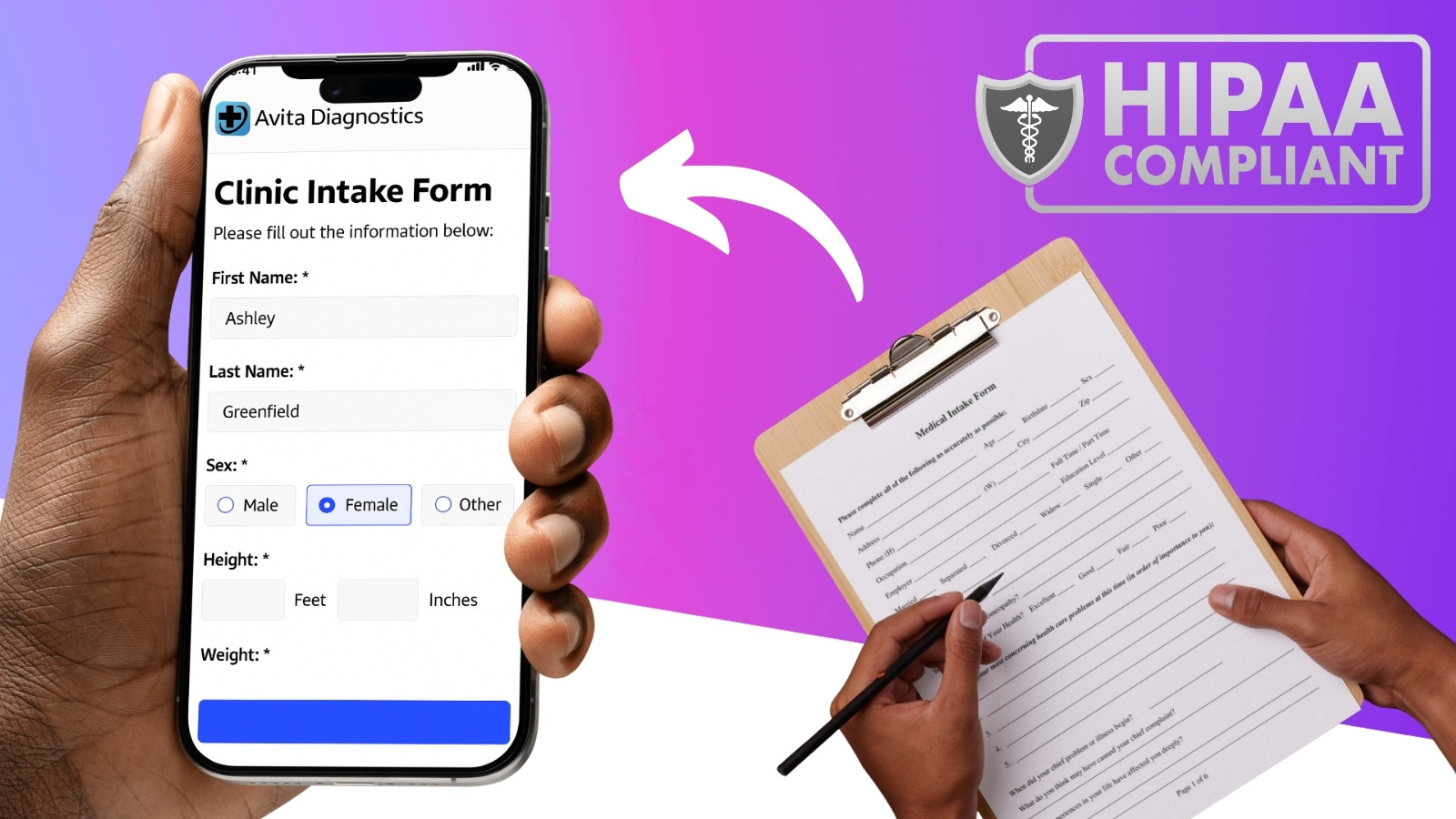
We follow PIPEDA in Canada, SOC 2 controls, HIPAA under a business associate agreement for health data, and PCI guidelines for payments.
Data residency: we can keep data in Canada or the United States. Backups follow the same region rules. We provide incident runbooks and monitoring so you know what is happening in production.
Access model: your team can see logs and metrics. We keep a clear trail of who can change what.
Ownership & IP
Who owns the code, designs, and infrastructure?
You do. Repositories, cloud accounts, design files, and third-party subscriptions are created under your organization. We grant our team access during the project and remove it at hand-off.
Licensing: we use reputable open-source libraries with sensible licenses or commercial tools you approve. A list of dependencies is included in the hand-off pack.
Technology explained
Which technologies do you use and why?
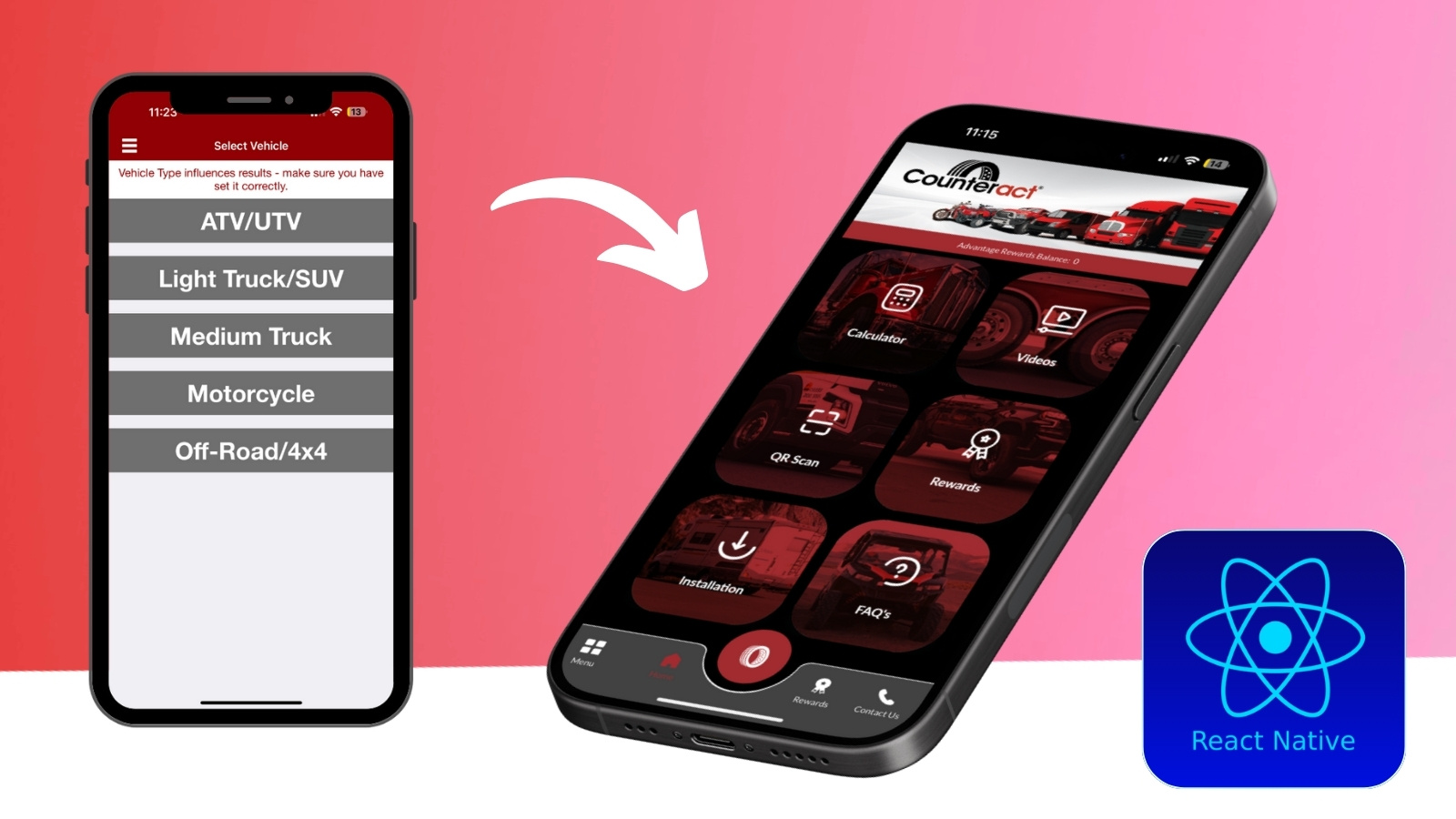
We choose tools based on stability, hiring availability, and long-term cost. On the web that often means React with TypeScript. For mobile, React Native or Flutter covers iOS and Android efficiently; native Swift/Kotlin is used when device-specific features need it. Back-end options include Node.js, Python, .NET, Java, Laravel, Rails, or Go. Data is usually PostgreSQL plus search/analytics where needed. Hosting is typically AWS, Azure, or Google Cloud.
If your company has standards, we align to them. We avoid rare stacks that make hiring difficult later.
AI & LLM
Do you build with AI/LLMs? What is your data policy?
We add AI where it clearly helps: routing, summarizing, search, and sensible automation. We prefer “human-in-the-loop” for decisions with risk.
Data safety: we avoid sending secrets or PHI to third-party models unless a compliant, private option is in place. Redaction and allow-lists are standard.
Observability: prompts and outputs are logged with IDs, not raw PII. You can review model actions.
Fallbacks: every AI step has a non-AI fallback, so core flows keep working if a model is slow or unavailable.
Examples: clinic scheduling agents, intake automation, search over help centres, and waitlist management.
Accessibility
Do you meet WCAG? How do you test accessibility?
We design for WCAG 2.1 AA as a baseline. That means proper contrast, focus states, keyboard access, semantic HTML, labelled controls, and readable content.
Automated checks during development
Keyboard-only walkthroughs for key flows
Screen reader spot checks (NVDA/VoiceOver)
Language and error messaging that is clear
Data migration
Can you migrate our existing data?
Yes. We map the source fields, clean obvious issues (dates, duplicates), and run a trial import in staging. Once validated, we schedule a final cutover with a short freeze window.
Field mapping with a simple spreadsheet
Backups taken before every import
Reconciliation report of moved records
Cloud costs
Where will it run and what will it cost monthly?
Most clients use AWS or Azure under their own account. Small MVPs often land between $150–$600/month for app + database + logs. Production systems with higher traffic and redundancy scale from there.
We set budgets and alerts so there are no surprises
We right-size instances and add caching where it helps
QA & testing
How do you keep quality high without slowing down?
Happy path tests: cover the core flows first
Checklists: a short, repeatable list for releases
Staging: every feature lands here before production
Feature flags: ship dark, enable for pilot users
Monitoring: errors and performance alerts on day one
Analytics
What analytics do you add and how do you respect privacy?
We track a small set of events that tie to your outcomes (e.g., onboarding completion, repeat use, conversion). We avoid fingerprinting and keep data minimal.
Consent banners where required
PII kept out of analytics payloads
Dashboards that answer “are we winning?” not vanity charts
App stores
Do you handle Apple App Store and Google Play submission?
Yes. We prepare screenshots, privacy labels, descriptions, and test builds. We respond to review questions and set up TestFlight/closed testing for pilots.
Privacy and tracking disclosures
Versioning and release notes
Account ownership stays with your company
Launch & hand-off
What happens at launch and after the first release?
Cutover plan: when and how users move to the new system, what the fallback is, and who is on call.
Training: short videos or a one-pager per role so people know exactly what to do.
Stabilization: a window for fast fixes as real usage ramps up.
Analytics: we confirm tracking works and dashboards reflect your success metrics.
Yes. Choose a response-time tier that matches your risk and traffic. Typical coverage includes monitoring, incident response, bug fixes, small improvements, dependency updates, and a monthly review with a short roadmap.
Owner tip: schedule 30–60 minutes each month to decide the next two or three improvements. Small, steady changes beat big rewrites.
Changes
What if we need to change scope mid-project?
We keep a visible backlog. If a new idea is more valuable than a current task, we trade it in. For fixed-scope work, we document a change order so timeline and budget stay honest.
Project rescue
Can you take over a project that is late or unstable?
We can. We run a short audit to identify risks and quick wins, stabilize the deployment pipeline, and set a 4–6 week plan that yields visible progress. You get clarity, not blame.
Code review and dependency updates
Test coverage on critical paths
Performance and error monitoring
Refactor hotspots that slow everyone down
Industries & locations
Who do you work with and where?
We support teams in insurance, logistics, healthcare, retail and ecommerce, manufacturing, field services, professional services, real estate, hospitality, and education across Canada and the United States.
United States: New York City, Boston, Philadelphia, Washington DC/Baltimore, Miami, Orlando, Tampa, Atlanta, Charlotte, Nashville, Chicago, Detroit, Columbus, Minneapolis, Dallas, Houston, Austin, Denver, Phoenix, Seattle, Portland, San Francisco Bay Area, San Jose, Los Angeles, San Diego.
Getting started
How do we begin?
Share context: outcome you want, who will use it, and which systems it must connect to.
Short call: we confirm goals and pick the fastest path to a first release.
Lightweight plan: scope, timeline, and budget range you can take to your team.
Yes. We complete NDAs, DPAs/BAAs, security questionnaires, and insurance certificates. We can align to your change management and access control policies.
SOC 2–aligned controls and evidence on request
Role-based access lists and removal procedures
Incident and retention policies documented
Payment
What are your payment terms?
Projects are typically billed monthly with NET 15–30 terms. Fixed-scope projects may include a kickoff deposit. Major third-party fees (e.g., Apple/Google accounts, SaaS licenses) are paid directly by you for ownership clarity.
Glossary
Plain-English terms you will hear
MVP: the smallest version that proves value with real users.
API: a way for systems to talk to each other safely.
Auth: sign-in and permissions. We use standard providers.
Staging: a safe copy of the app for testing before launch.
Observability: logs, metrics, and alerts that tell you what’s happening.
Rollback: a quick way to undo a release if something breaks.
Data residency: keeping data in a chosen country or region.
Backlog: the ordered list of what we will build next.
custom software development, mobile app development, web application development, API integration, Salesforce integration, NetSuite integration,
React Native, Flutter, React, Next.js, Node.js, Python, .NET, AWS, Azure, Google Cloud, data residency Canada, data residency US,
MVP scope, app cost, MVP timeline, logistics software, healthcare software, customer portal, field service app,
Toronto app developers, Milton app developers, GTA software, Chicago software developers,
staff augmentation, project rescue, observability, audit logs, HIPAA, PIPEDA, SOC 2, PCI, WCAG, AI, LLM, App Store submission