

Unified patient records
One patient chart shared across all locations with clean roles and permissions so staff see what they should, and only that.
- Cross-location chart access
- Real-time updates
- Role-based permissions
This client runs three clinics across two states. The team was good at care, but the systems were holding them back. Each location had its own way of doing things and its own tools. That worked when patients stayed loyal to one clinic. As soon as the network grew, the cracks showed up in daily work.
A patient would call Clinic A, then show up at Clinic B later. Staff would start digging for records, printing PDFs, calling someone down the hall, or re-entering history. Then you hit insurance. Different rules, different workflows, and a lot of time wasted on fixes that should never have been needed.
The biggest problem was not one massive failure. It was a hundred small delays every day. Records lived in silos. Schedules were managed per clinic. Insurance was handled differently depending on who was working the desk. When a system forces people to improvise, you get inconsistency, and inconsistency turns into errors.
They needed one platform that could run the clinics day to day, not just store notes. It had to feel fast at the front desk, stable in the back office, and strict enough to support HIPAA-level access controls and auditing.
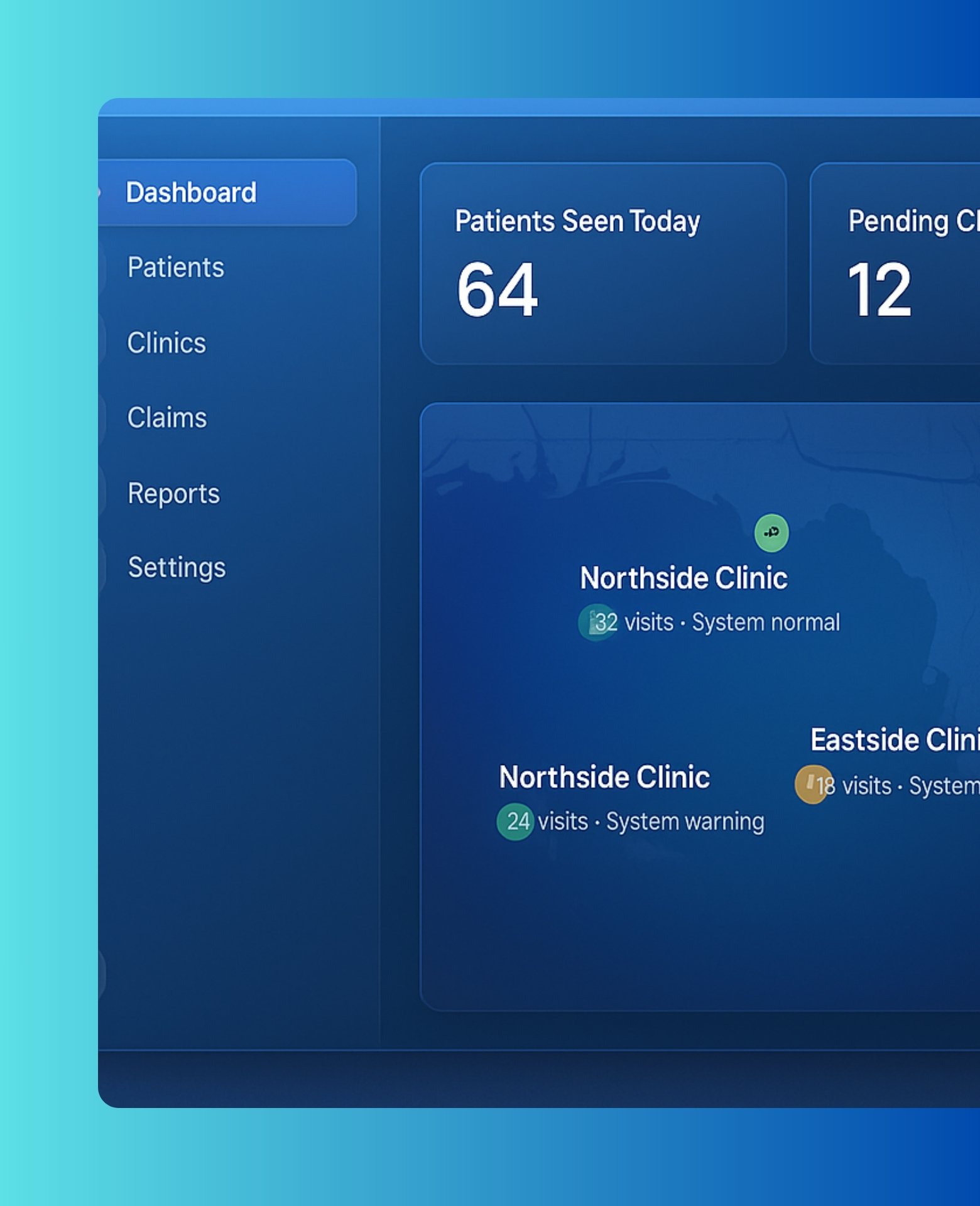
We built a single web-based platform that unifies charts, scheduling, intake, and insurance workflows. The goal was to make it feel like one organization, even if clinics are miles apart. A patient record should be one record. Not three partial versions with missing context.
We also treated this like a real clinic rollout. Small wins matter. If it slows the front desk, people stop trusting it. So the workflow had to be quick. Find the patient fast. See the last visit instantly. Book across locations without guessing. Then keep everything logged and traceable so compliance becomes normal instead of stressful.
One patient chart shared across all locations with clean roles and permissions so staff see what they should, and only that.
A single calendar view across the network with provider availability, conflict checks, and smarter booking.
Digital forms, eligibility workflows, and consistent claim handling so each clinic follows the same playbook.
We kept the feature set focused on what clinics actually do every day. No fluff. If the platform could not speed up the desk, reduce mistakes, and create reliable reporting, it did not make the cut.
The main outcome here is confidence. When staff can trust what they see, they stop double-checking everything. That is where time comes back.
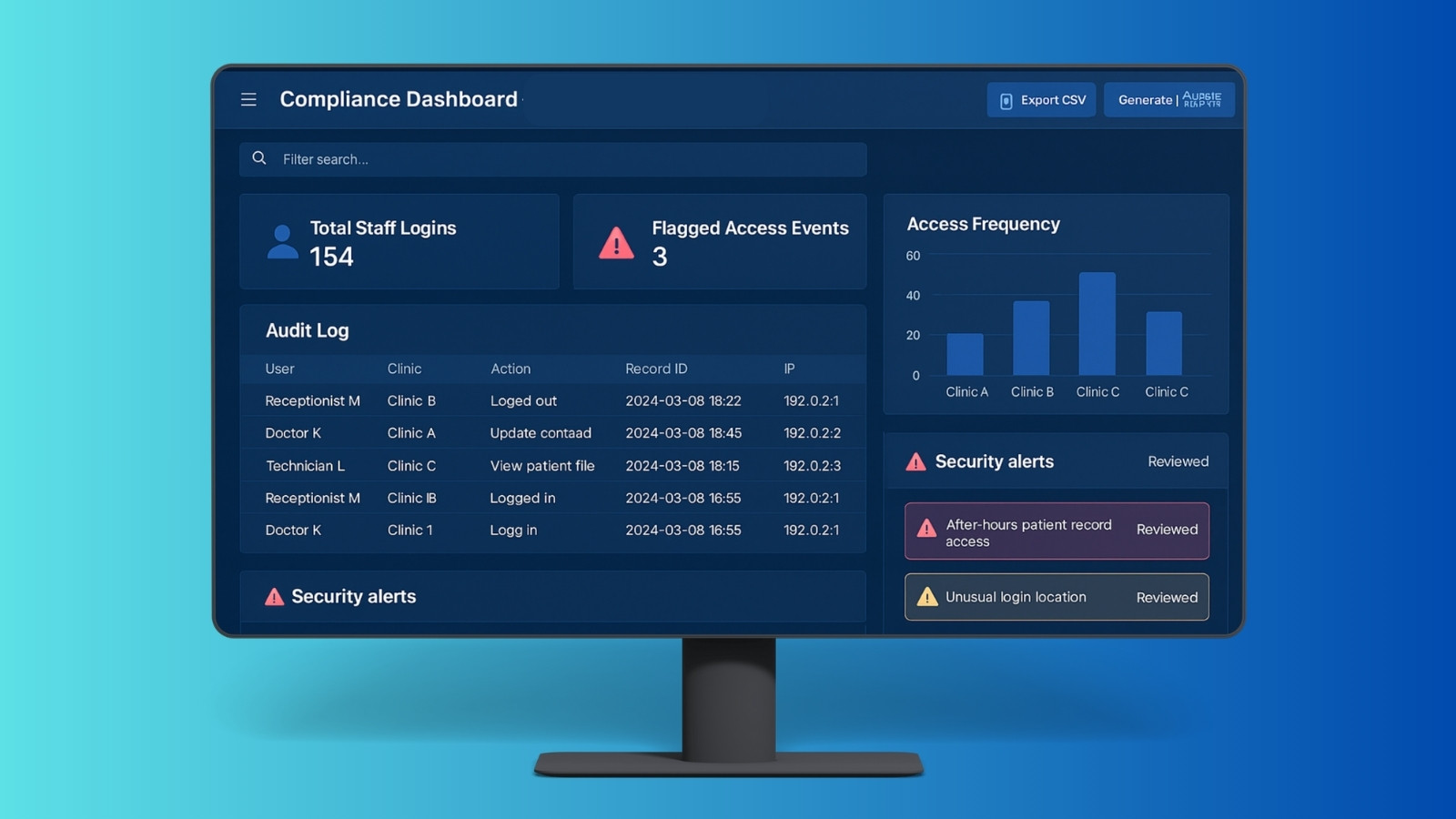
Healthcare software has two jobs at the same time. It has to move quickly during real clinic hours, and it has to be defensible when someone asks, who accessed what, when, and why. We designed the platform with both realities in mind.
The migration work was where most projects get messy. Every clinic had different habits and different naming. We handled this by normalizing data up front, then rolling out in stages so the network could keep operating.
The biggest win was removing uncertainty. Staff could pull a record fast, book confidently, and follow the same insurance steps every time. Leadership could see what was happening across clinics without chasing reports.
Note: metrics vary by payer mix, clinic workflow, and the quality of legacy data going in.
Once the clinics trusted the core system, the next phase was about patient experience and inbound volume. That meant reducing phone load, confirming appointments faster, and catching missed follow ups without staff chasing it manually.
Client: Name Withheld — U.S. Vision Care Network.